RU
RU LV
LV
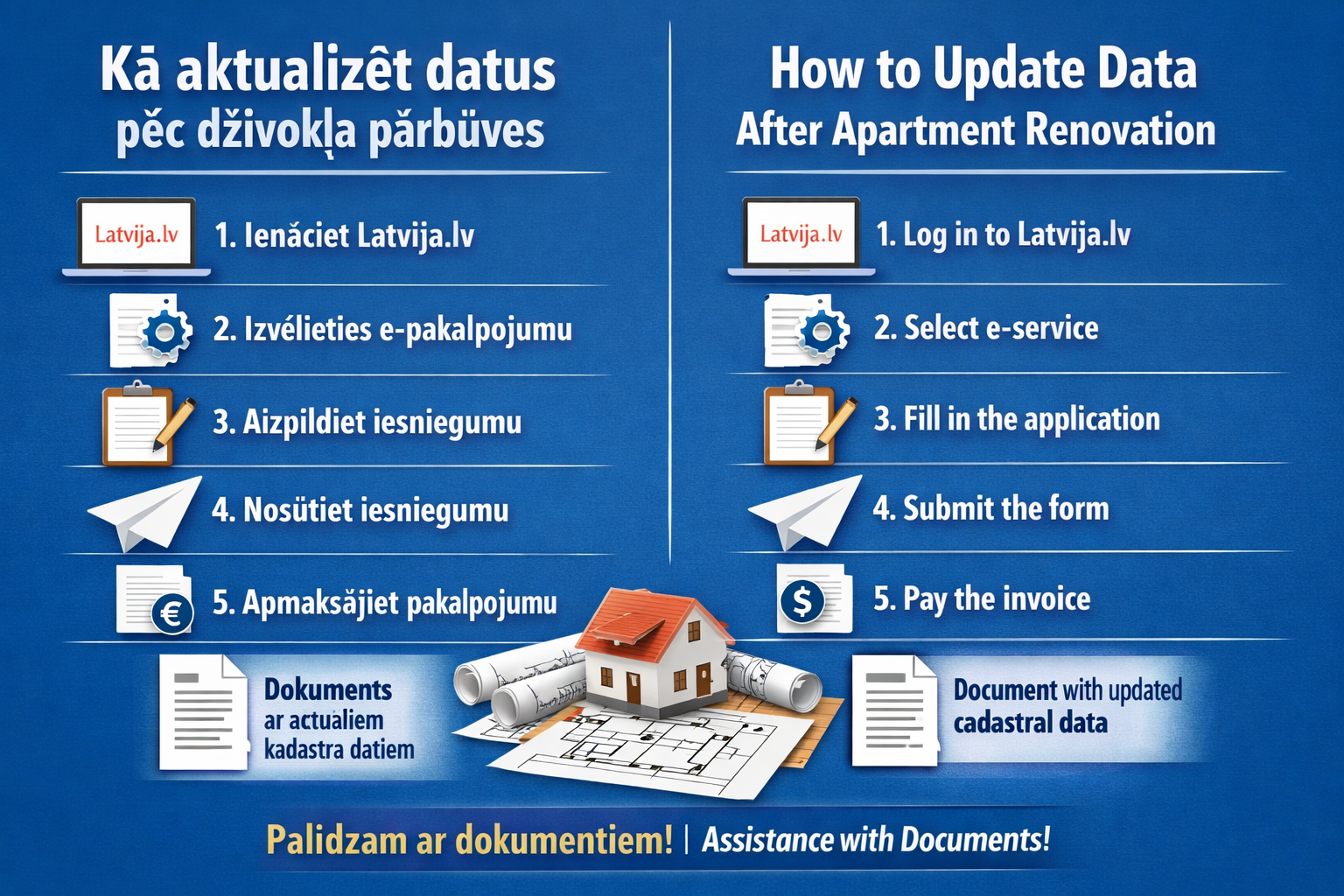
How to Complete Data Update After Apartment Renovation
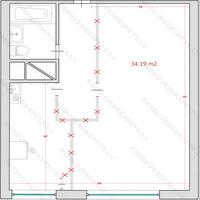
If an apartment has undergone renovation or layout changes and the work has been officially approved and commissioned, it is necessary to update the information in the cadastral system. After the update, you will receive an official document with the current property data.
1. Log in to the system
Go to the government services portal Latvija.lv and sign in.
2. Find the electronic service
Open the “Electronic services” section and choose the option to submit an application to Valsts zemes dienests.
3. Fill in the application
Provide the following information:
your contact details
email address
apartment address
In the subject line write:
Registration or update of data in the Cadastral Information System.
In the text explain that renovation or layout changes have been completed and commissioned, and request preparation of a cadastral data document.
4. Submit the application
After completing the form, submit the application electronically.
5. Pay for the service
After some time an invoice will appear in the system. Once the payment is completed, Valsts zemes dienests will prepare the document with updated cadastral information.
What you will receive
You will receive a document called:
“Textual and spatial cadastral data of the registered group of premises.”